
Once you have created your lesson category you can now add a new lesson to that category.
Step 1: From the Coaching module, select 'Lessons' in the top menu, the next screen will be a list of the categories you have created.

Step 2: Select the category that you wish to add a lesson too.

Step 3: Now select 'Add new lesson'.
Step 4: The following screen will be the lesson details, you need to enter the date and time, the cost, duration, and lead coach will automatically come from the category defaults that you entered. However, these can be edited.

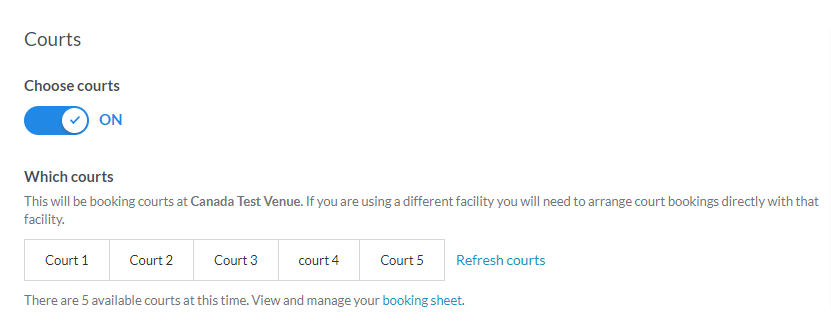
You can also assign a court for the lessons to book the time slot.
Step5: Select 'Save lesson'.
Comments
0 comments
Article is closed for comments.