
We now have a great new feature that can help coaches manage their lessons within Serve Tennis.
Step 1: Select the Coaching module from within your admin area.
Now select 'Programs' from the top menu.

Step 2: You will need to create a program category, you have the option to select junior, adult or family.
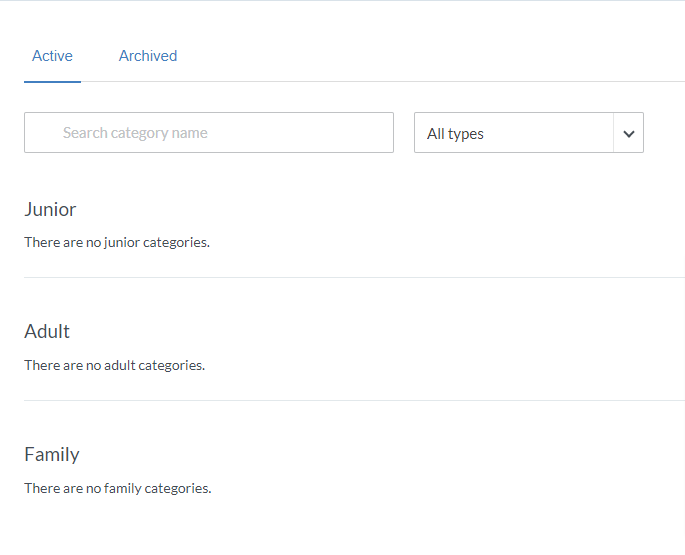
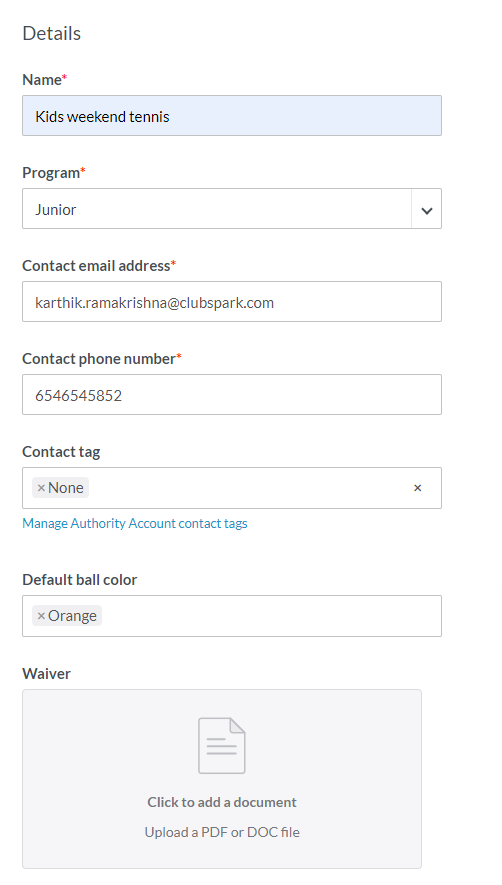
Step 3: You will then need to complete the following information:
-
- Details including the Name, contact information, ball color and waiver
-
- Default description and confirmation

-
- If participants can cancel on their end and coach validation settings

Step 4: Make sure you save at the bottom of the Category Settings

These will be saved as the lesson defaults, however when you do add programs, you will have the option to amend if required.
Once your coaching category is saved you can now go ahead and add your first lesson.
Comments
0 comments
Please sign in to leave a comment.